
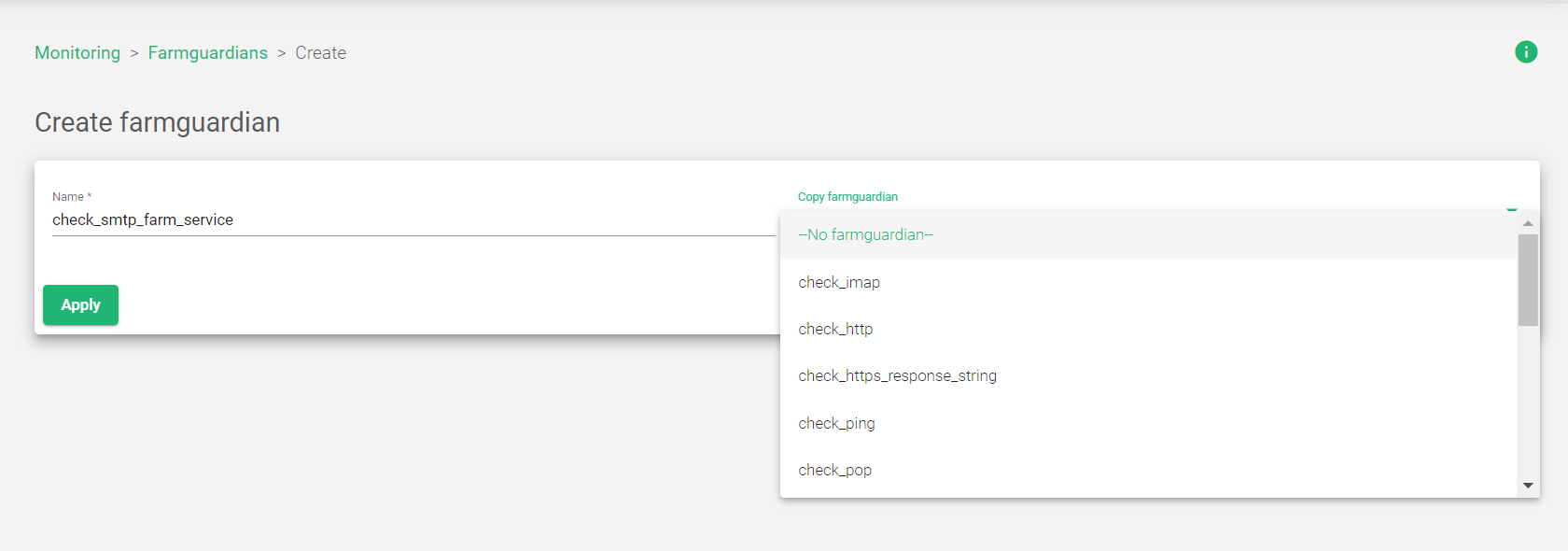
To create a custom Farmguardian check:
- Go to the Monitoring > Farmguardian section of the load balancer web interface.
- Click the Create Farmguardian button.
- Enter a name for the new health check in the Name field.
- Optionally, select an existing health check to copy from the Copy farmguardian field.
- Click the Apply button to confirm the new Farmguardian check.
Once you have created a custom Farmguardian check, you can Edit its parameters and Modify its behavior to meet your specific needs.
Next Article: Monitoring | FarmGuardian | Update
