
How to generate a SupportSave file:
-
- Go to the System > Support Save section of the Skudonet web interface.
- Enable the check box.
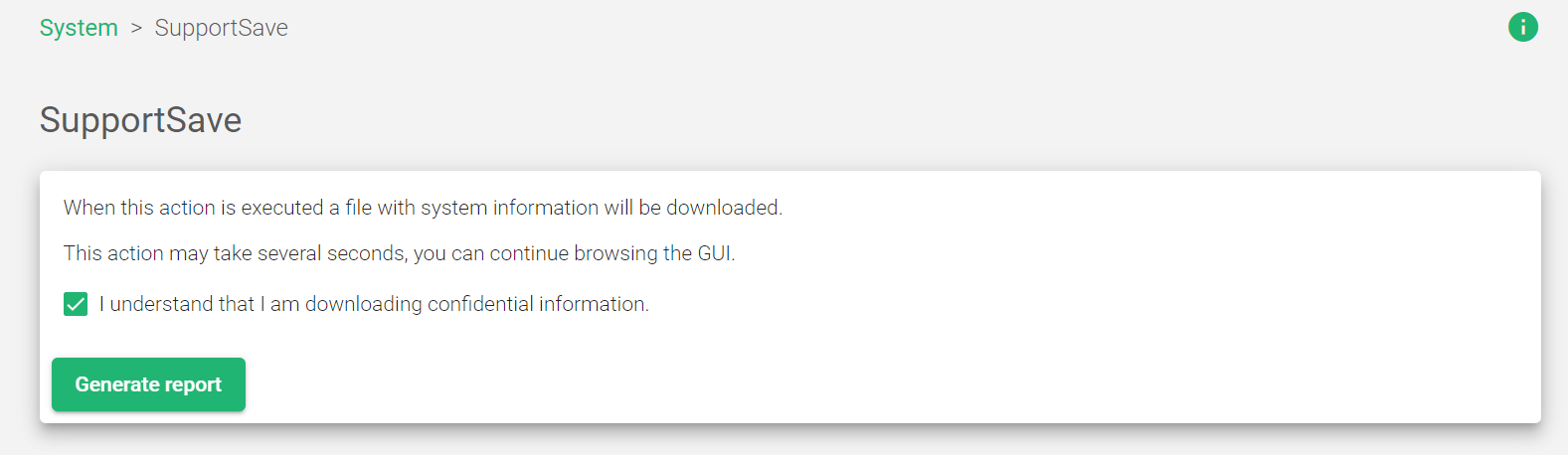
- Click the Generate report button.
- A .tar.gz file containing the Skudonet load balancer node status information will be downloaded to your PC.
Notes:
- The SupportSave file can be used to analyze the current behavior of a node and to provide the Skudonet team with the information needed to provide the best support.
- The SupportSave file contains the following information:
- Logs
- Configuration
- System status
