
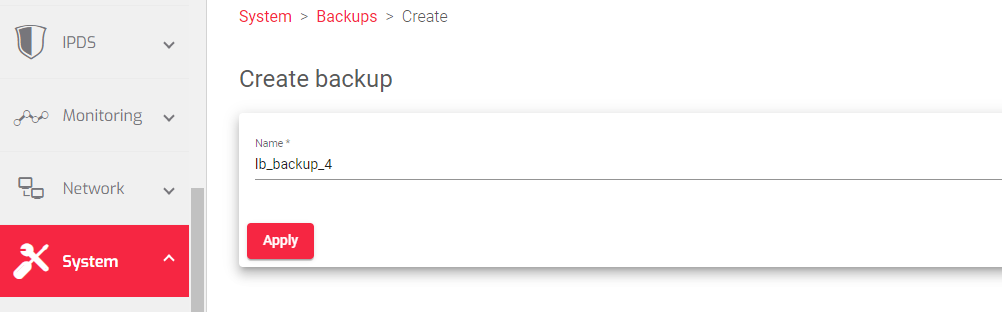
To create a backup file of the load balancer configuration:
-
- Go to the Systems > Backups page
- Click the Create Backup button.
- In the Name field, enter a descriptive name for the backup file.
- Click the Apply button.
The load balancer will create a backup file of the current configuration and store it in the backup storage.
Important Notice!
The backup file name can only contain letters, underscores, and numbers.
Next Article: System | Backups | Upload
